What is Podman?
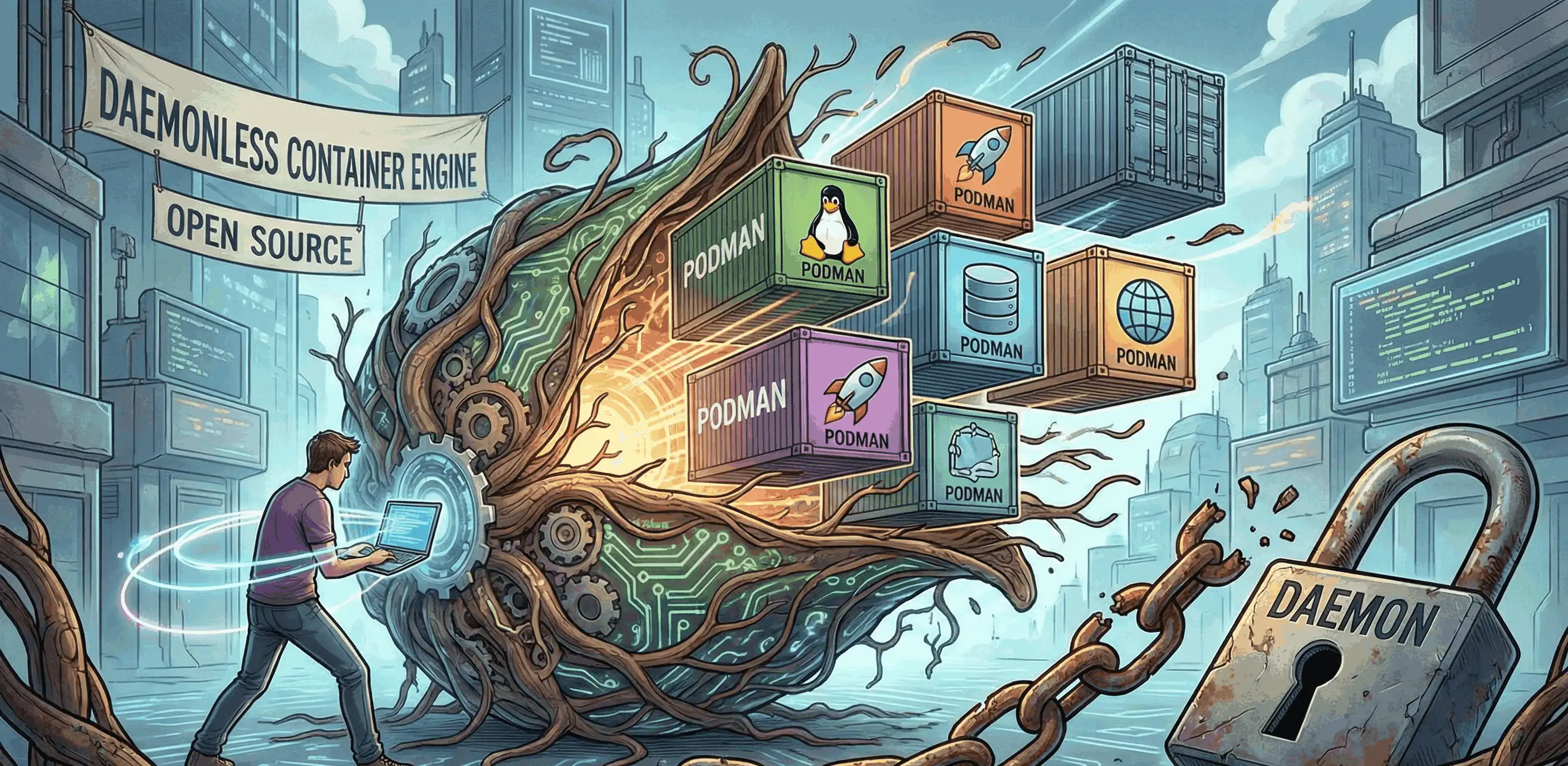
In this article, I would like to talk about Podman - an analogue to the well-known Docker. Many have not even heard of it, but it has a few interesting features, which we will look at in this article.
Containerization
Let's recall a bit, or maybe learn, what containerization is. It is an application isolation technology where an application is packaged together with all its dependencies (libraries, configs, runtime environment) into a single container. The container runs isolated from the operating system and other containers, but uses the shared host OS kernel - unlike virtual machines, which emulate an entire computer.
Main advantages:
- "It works on my machine" is no longer a problem - the environment is the same everywhere
- Fast startup (seconds vs minutes for VMs)
- Lightweight (megabytes vs gigabytes for VMs)
- Easy scaling and deployment
Containers are created from images, which include the application and everything necessary for it to run. The main technologies underlying containerization:
- Namespaces - isolate processes, network, and file system;
- Cgroups - limit resource usage, such as memory or CPU;
- Images - templates for creating containers.
And what is Podman?
Podman (from Pod Manager) is a tool for managing containers and OCI images developed by Red Hat. It is positioned as a direct alternative to Docker and is largely compatible with its CLI (you can even alias docker=podman).
Main differences from Docker:
- Daemonless - Podman does not require a background daemon. Each container runs as a regular child process, which simplifies architecture and reduces attack surface.
- Rootless by default - containers can be run by a regular user without root privileges, which significantly increases security.
- Pod support - Podman natively supports the concept of "pods" (a group of containers sharing a network namespace), analogous to pods in Kubernetes. This simplifies transition to orchestration.
- Docker compatibility - uses the same OCI images, supports Dockerfile (via buildah), and the commands are practically identical: podman run, podman build, podman push, etc.
- systemd integration - systemd unit files can be generated directly from running containers (podman generate systemd), which is convenient for production services.
The installation process is described here: https://podman.io/docs/installation
Basic Commands
The commands are almost identical to Docker, so if you're familiar with it, everything will feel familiar.
Working with Images
podman pull nginx                  # download image
podman images                      # list of local images
podman rmi nginx                   # delete image
podman build -t myapp .            # build image from Dockerfile
podman search python               # search for images in registry
Working with Containers
podman run -d -p 8080:80 --name web nginx   # run container in background
podman run -it ubuntu bash                   # run interactively
podman ps                                    # list of running containers
podman ps -a                                 # all containers (including stopped)
podman stop web                              # stop
podman start web                             # start again
podman restart web                           # restart
podman rm web                                # delete container
podman rm -f web                             # force delete
Information and Debugging
podman logs web                    # container logs
podman logs -f web                 # logs in real time
podman exec -it web bash           # go inside the running container
podman inspect web                 # detailed info (JSON)
podman top web                     # processes inside container
podman stats                       # resource usage (CPU, RAM)
Volumes and Data
podman volume create mydata        # create volume
podman volume ls                   # list volumes
podman volume rm mydata            # delete volume
podman run -v mydata:/data nginx   # mount volume
podman run -v /host/path:/container/path nginx  # bind mount
Networks
podman network create mynet        # create network
podman network ls                  # list networks
podman run --network mynet nginx   # run in network
podman network rm mynet            # delete network
Pods (unique to Podman)
podman pod create --name mypod -p 8080:80   # create pod
podman run -d --pod mypod nginx              # add container to pod
podman pod ps                                # list pods
podman pod stop mypod                        # stop pod
podman pod rm mypod                          # delete pod
podman system prune                # delete everything unused
podman system prune -a             # delete absolutely everything (including images)
Is there a dockerpodman-compose?
Yes, podman-compose exists. It's an equivalent of docker-compose for Podman. But it's worth noting that it's a third-party project in Python that reads standard docker-compose.yml files and manages containers through Podman.
Installation:
pip install podman-compose
# or
sudo dnf install podman-compose      # Fedora/RHEL
sudo apt install podman-compose      # Debian/Ubuntu (in newer versions)
Basic commands:
podman-compose up -d                 # run all services in background
podman-compose down                  # stop and delete
podman-compose ps                    # list of services
podman-compose logs                  # logs of all services
podman-compose logs -f web           # logs of a specific service
podman-compose build                 # build images
podman-compose restart               # restart
podman-compose exec web bash         # go into service container
To run a command, just create a docker-compose.yml file and that's it.
Advantages and Disadvantages
The two main advantages:
Security. The main trump card. Rootless mode by default - containers are run from a regular user without root. There is no background daemon with root privileges, which means there is no single point of failure and attack, like the Docker daemon.
Daemonless Architecture. Each container is a regular child process. If one container crashed, others continue to work. In Docker, if the daemon crashes, everything stops.
A full comparison with Docker is in the table, where you can also see the disadvantages of Podman.
| Criterion | Podman | Docker |
|---|---|---|
| Architecture | Daemonless, fork-exec model | Client-server, requires background dockerd daemon |
| Security | Rootless by default, no single point of failure | Daemon runs as root, single attack point |
| CLI compatibility | Practically identical to Docker CLI | De facto standard |
| OCI images | Full support | Full support |
| Dockerfile | Supported (via Buildah) | Native support |
| Compose | podman-compose (incomplete support) | Docker Compose (full support) |
| Pods | Native support, analogous to Kubernetes | No native support |
| Kubernetes | Generating YAML from pods (podman generate kube) | Via third-party tools |
| Docker Swarm | Not supported | Full support |
| systemd | Native integration, generation of unit-files | Limited support |
| Community and ecosystem | Growing, but smaller | Huge, industry standard |
| Documentation and tutorials | Fewer materials | Most materials are written for Docker |
| CI/CD | Not supported everywhere, requires configuration | Supported almost everywhere |
| Docker socket | No /var/run/docker.sock, compatibility via emulation | Native socket, many tools rely on it |
| macOS / Windows | Via virtual machine, less stable | Docker Desktop — convenient GUI |
| Linux | Standard in RHEL/Fedora/CentOS | Requires separate installation |
| Image Building | Separate tool Buildah (more flexible) | Built-in docker build (simpler) |
| Working with registries | Separate tool Skopeo | Built-in commands |
| Network in rootless | Limitations: ports < 1024, DNS unstable | No such limitations |
| Monitoring | Containers are seen as regular processes (ps, top) | Via docker stats or third-party tools |
| Support | Red Hat (long-term) | Docker Inc. |
Conclusion: Should you switch to Podman?
Podman is not just a "Docker clone", but its evolution towards security and architectural purity. Rejection of a centralized daemon and working in rootless mode make it an ideal choice for modern systems where security is a top priority.
Comments
Log in to join the conversation
Sign In